
For every teacher whose students ask a lot
Your students ask, and no question gets lost.
Students ask under the video or in the question bank with a photo from the book, and your team answers in text, a photo or a voice note. Every answer stays for all your students.
15 days free, no card needed
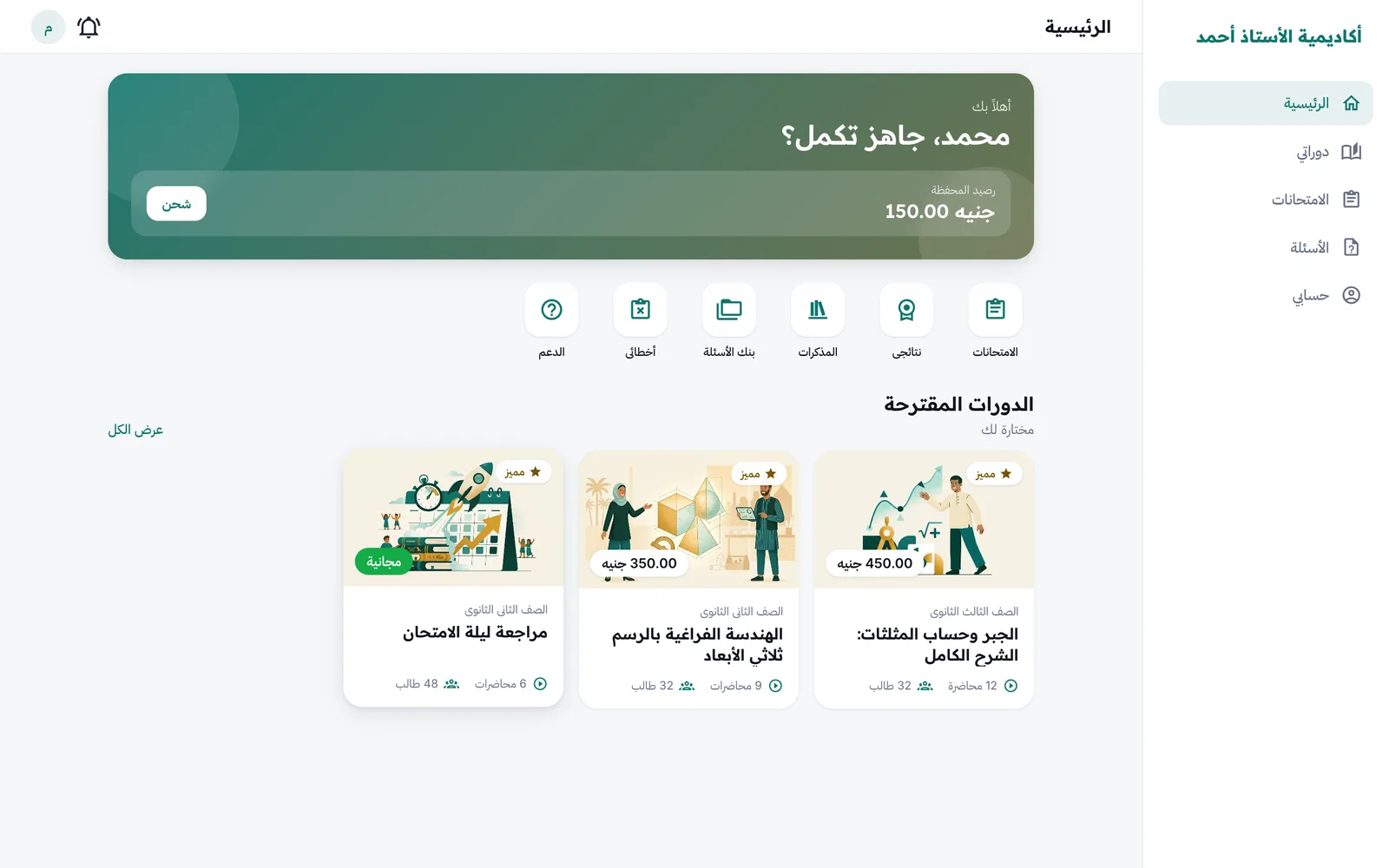
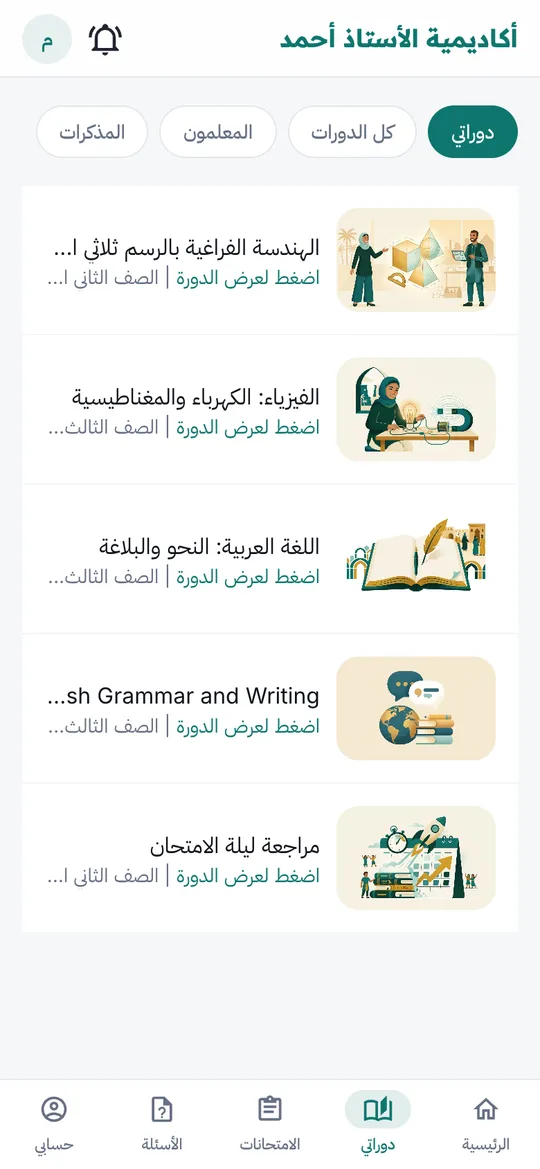
Questions eat your day
The more students you have, the more questions arrive on WhatsApp, and the same question comes again and again.
Without your platform
With your platform
Without your platform: Questions scattered across WhatsApp and Messenger
With your platform: One place to ask: under the video or in the question bank
Without your platform: You answer the same question 100 times
With your platform: The system suggests the earlier answer, and you send it in one click
Without your platform: You do not know who on your team answers
With your platform: A report of each person’s answers, this month and last
Without your platform: The student waits and does not know
With your platform: A notification the moment their question is answered
From the student’s question to the answer

Your students’ question bank
Students pick the chapter folder, enter the page and question number from the book, and type their question or photograph it. Every answered question joins the bank, and any student can search it by page and question number.
- Answers in text, a photo or a voice note
- Folders follow the student’s grade
- Feature up to 3 folders on the students’ home page
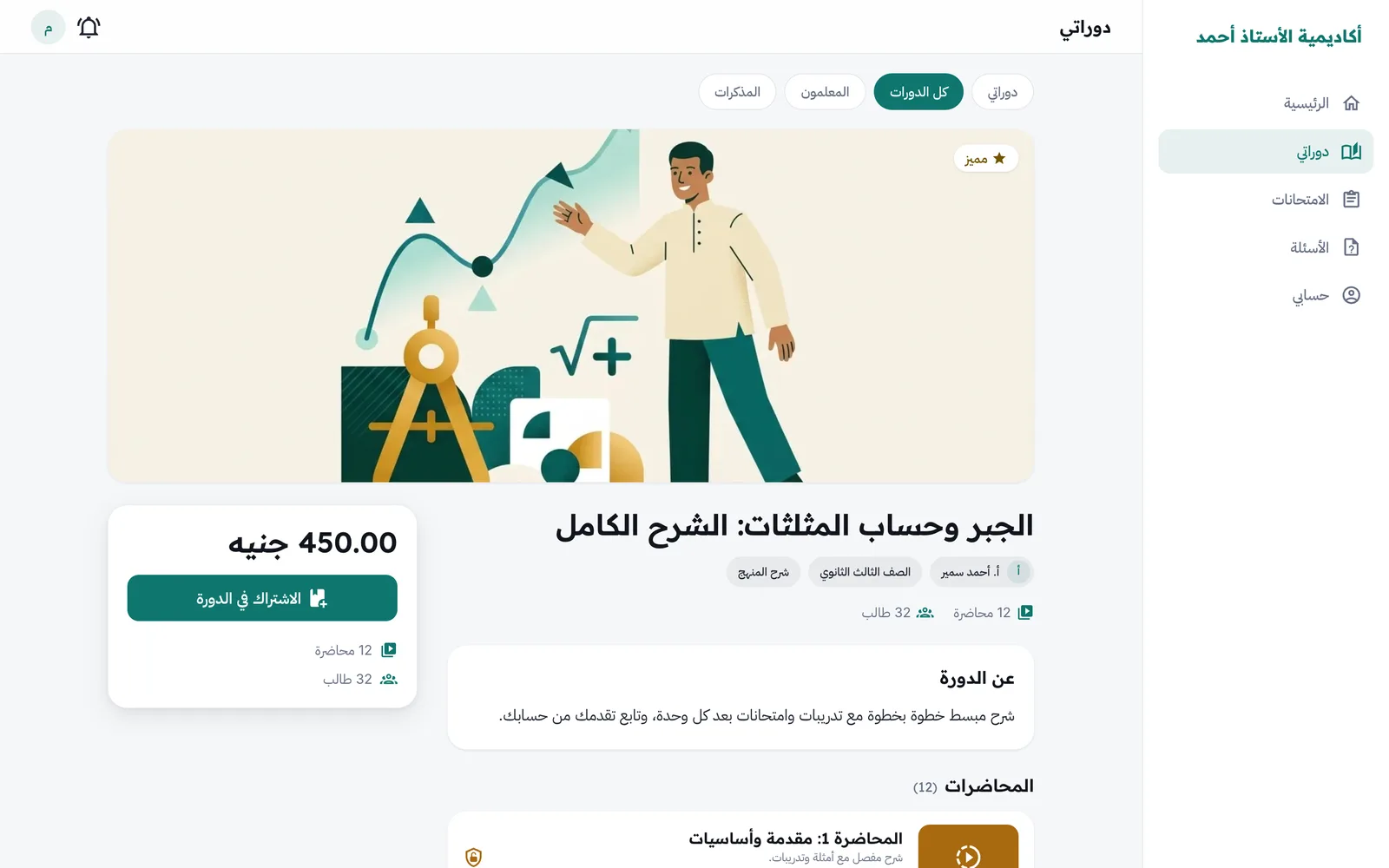
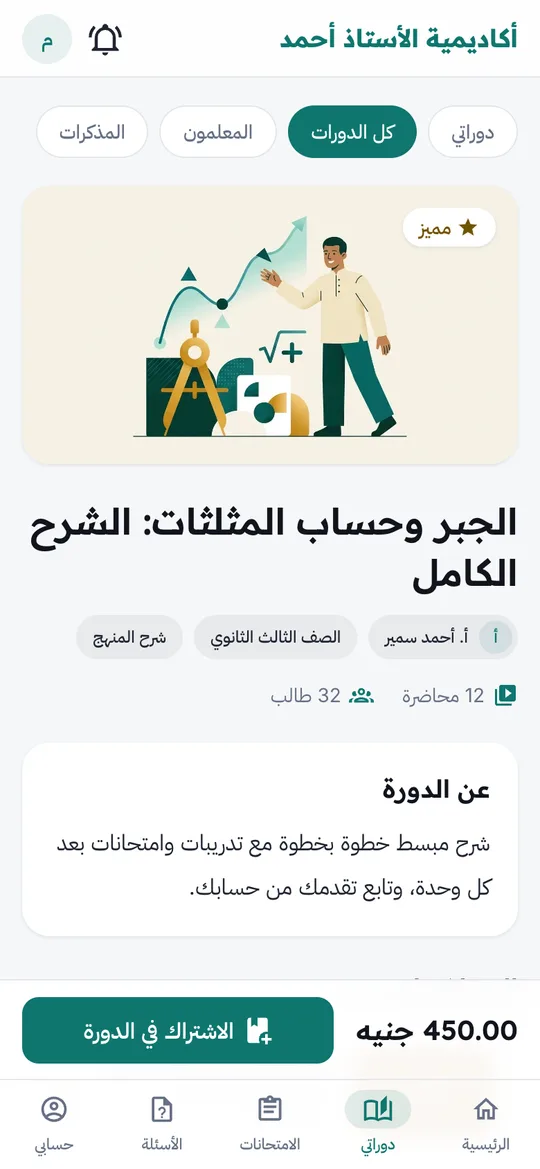
Questions under the video
Students ask under the lecture in text or with a photo, and no one sees the question until you approve it. You reply in front of everyone or to that student only.
- Your inbox starts with questions waiting for a reply
- Hide or delete any comment
- A limit on questions so no one floods you

Your team answers, and you know who did what
Your supervisors and assistants answer from the list of questions waiting for an answer, sorted by folder and page number. If the question was asked before, the earlier answer appears and they send it in one click.
- Each person sees and does only what you allow
- A report of each team member’s answers
- Edit a question or move it to another folder
Also in student questions
Questions for paying students
The question bank is for students who bought from you or are registered at the centre.
A notification on the answer
Students get a notification the moment their question is answered.
A private reply
Reply under the video to the student who asked only, when the question is personal.
Help requests
Students send a help request, and you pass it to the teacher it belongs to.
Your team’s report
Each member’s answers this month against last month, and you can download it as a file.
An AI assistant that answers students
Students ask the AI assistant in text or with a photo, with a daily limit you set.
How do you start?
- 1
Pick your plan
Name your platform, choose its address and the plan that fits your students.
- 2
Ready in a minute
A site for your students and a dashboard for you, on your address at once, with a 15-day free trial and no card.
- 3
You launch
You add your logo, colours and content, students sign up and you start taking payments.
Pay for the students you have
Priced by active students a month only, and every plan has the same essentials.
Starter
For a teacher starting online.
- Student site and dashboard with your name and logo
- Courses, videos, exams and a question bank
- Wallet, codes and online payments to your own account
- SMS and WhatsApp messages to students and parents
Growth
For a teacher whose students grow every month.
Everything in Starter, plus:
Pro
For a teacher with thousands of students.
Everything in Growth, plus:
Custom
For the biggest teachers who want more.
- Centre groups, attendance and the door
- AI tools
- Apps, points and DRM videos
- Students and price as we agree
You pay only for active students
An active student is enrolled in one of your live courses, free or paid, and is not blocked. Students who signed up but are in no course do not count.
- A student in a course and 3 lecturesCounts as one student
- A student in a free courseCounts
- A student who signed up but is in no courseDoes not count
- Last year’s course students, once you hide or delete the courseStop counting the next month
For example: You have 3,000 students signed up, and only 800 are in your live courses. You pay for 800 students: the Growth plan (up to 1,000).
Every plan includes isolation of your data and platform updates.
Top up your platform balance months ahead, and the subscription and plugins are paid from it automatically when due.
Common questions
Who can ask in the question bank?
Students who bought from you or are registered at the centre, and you can also allow students with a full discount.
Do students see each other’s questions?
In the question bank, answered questions are open to all your students to search. Under the video, a question shows only once you approve it, and you can reply privately.
Can I answer with my voice?
Yes. In the question bank you answer in text, a photo or a voice note.
Which plan has the AI assistant?
The Custom plan. The question bank and questions under the video are in every plan.
Let every question find its answer
Try your platform free for 15 days, and start receiving your students’ questions in one place.