
For teachers who want every student in sight
Every student followed up, and no student slips through.
Know who watched, who did the work and whose marks are falling. Your team calls students and parents one by one, and you see who worked and what they did.
15 days free, no card needed
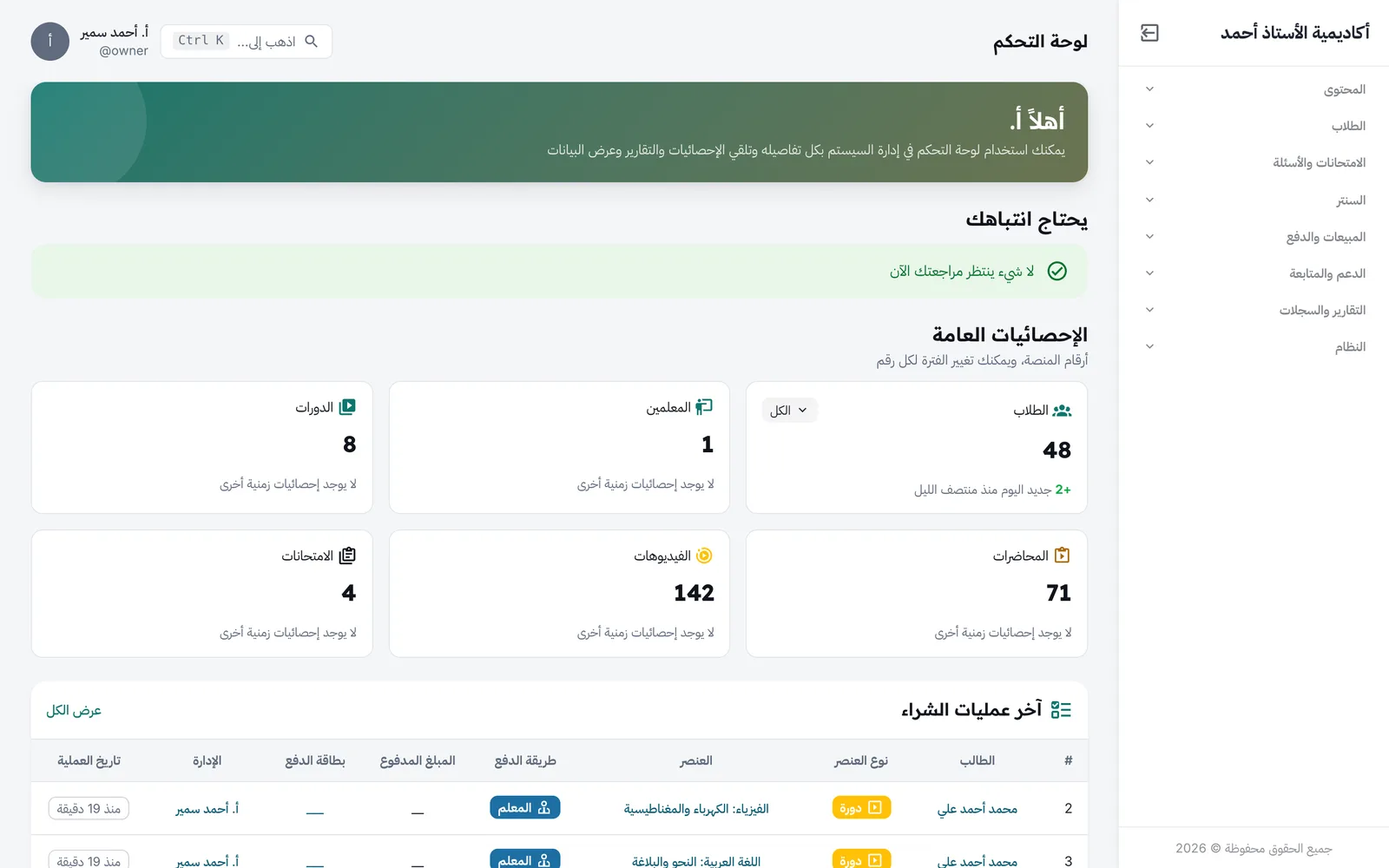
Follow-up on a spreadsheet gets lost
The more students you have, the harder it is to know who fell behind and who has been called.
Without the follow-up system
With the follow-up system
Without the follow-up system: A spreadsheet and your team’s memory
With the follow-up system: A table for each course and month: who watched, and every exam and homework mark
Without the follow-up system: Calling students at random
With the follow-up system: Cases shared evenly across your team, one family at a time
Without the follow-up system: A call nobody answered, then forgotten
With the follow-up system: It comes back by itself a few hours later
Without the follow-up system: You do not know who on your team worked
With the follow-up system: A report for each employee, measured against a daily target
Every part of follow-up
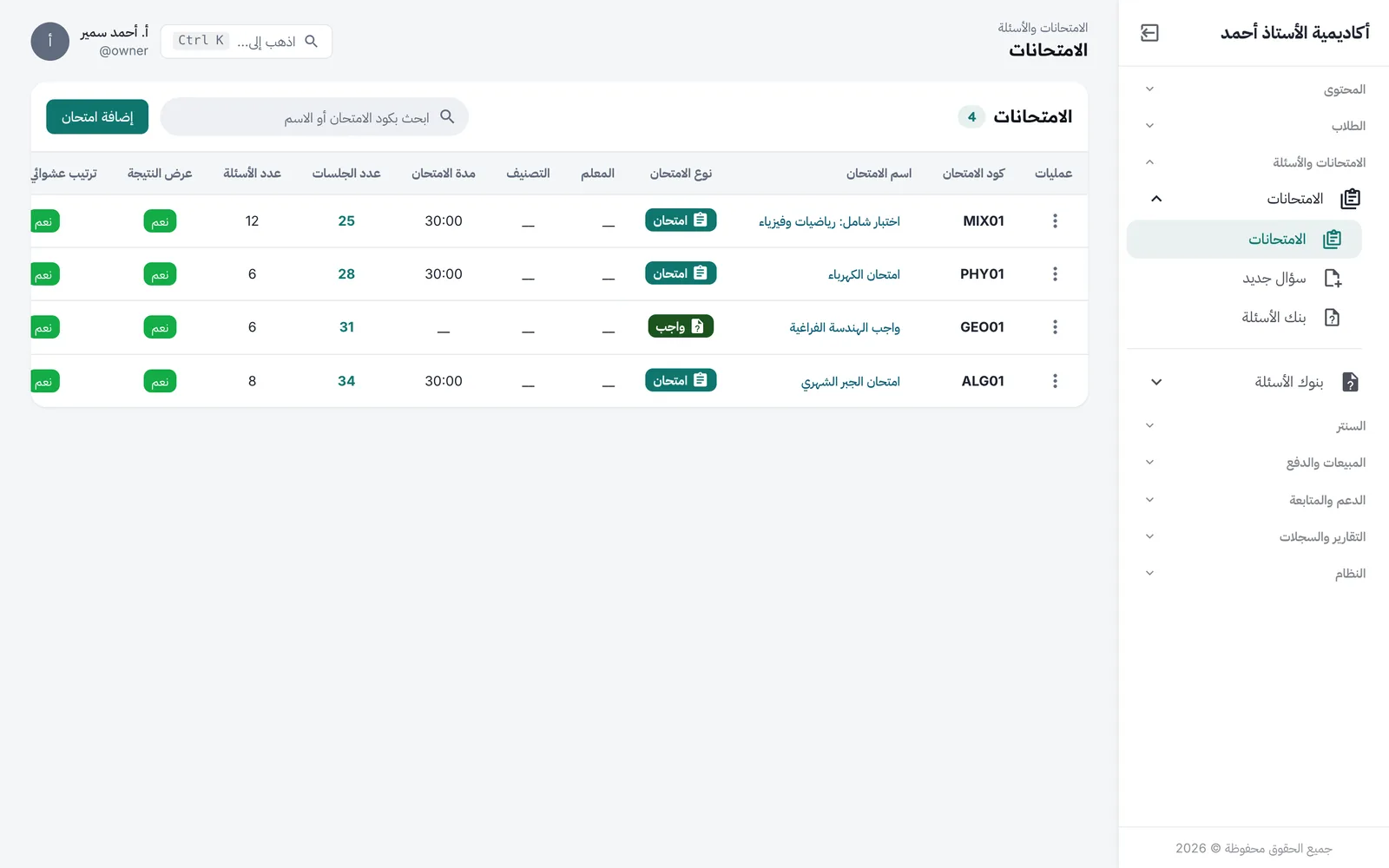
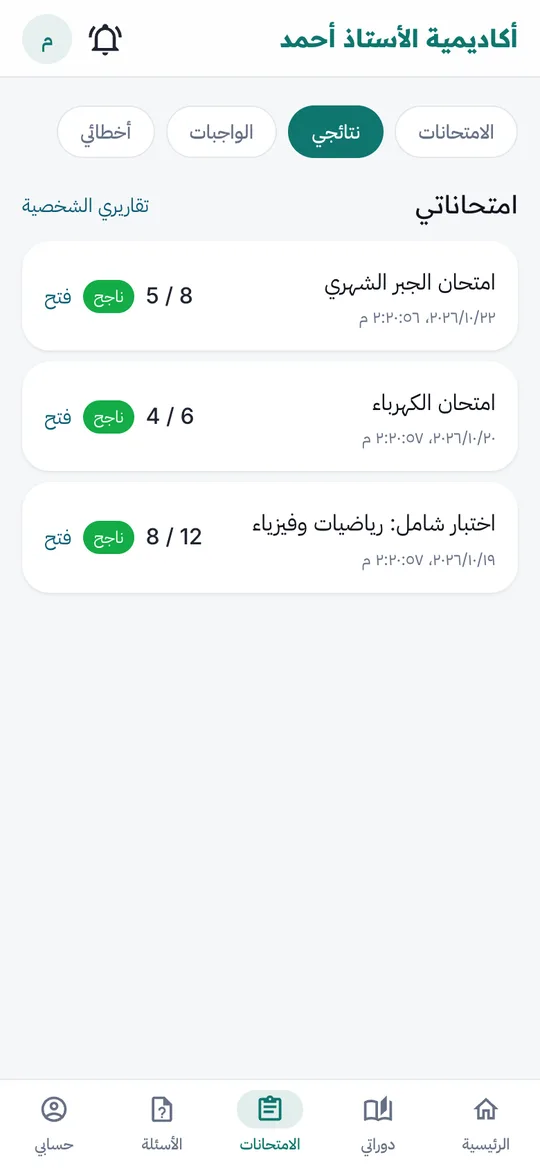
The follow-up table: every student, lecture by lecture
For each course and month, a table with every student: whether they watched the lecture, and their exam and homework marks. Filter by who did not watch, by marks, by governorate or by new students, and record a status and a note for each student.
- Followed up, no answer, there is a problem
- A message to the student, the parent or both
- Ready messages that include the student’s mark

Scientific follow-up: ask students about the lecture
Pick up to 30 questions from the question bank for each lecture, with their model answers, and your team calls the students and asks them. Each question is marked right, partial or wrong, and the student gets excellent, good or weak.
- You decide whether callers see the questions
- Each lecture’s result on the student’s profile
- Cases shared out with the same filters

Centre follow-up: cases open by themselves
A student absent several sessions in a row, whose card someone else used, whose registration is unfinished, or whose make-up waits for the parent’s approval gets a case by themselves. Callers work one family at a time, with buttons to call or WhatsApp from their own phone.
- Coming back, excused, or not coming
- Those not coming are reviewed before leaving the group
- A parent’s approval opens the make-up at once
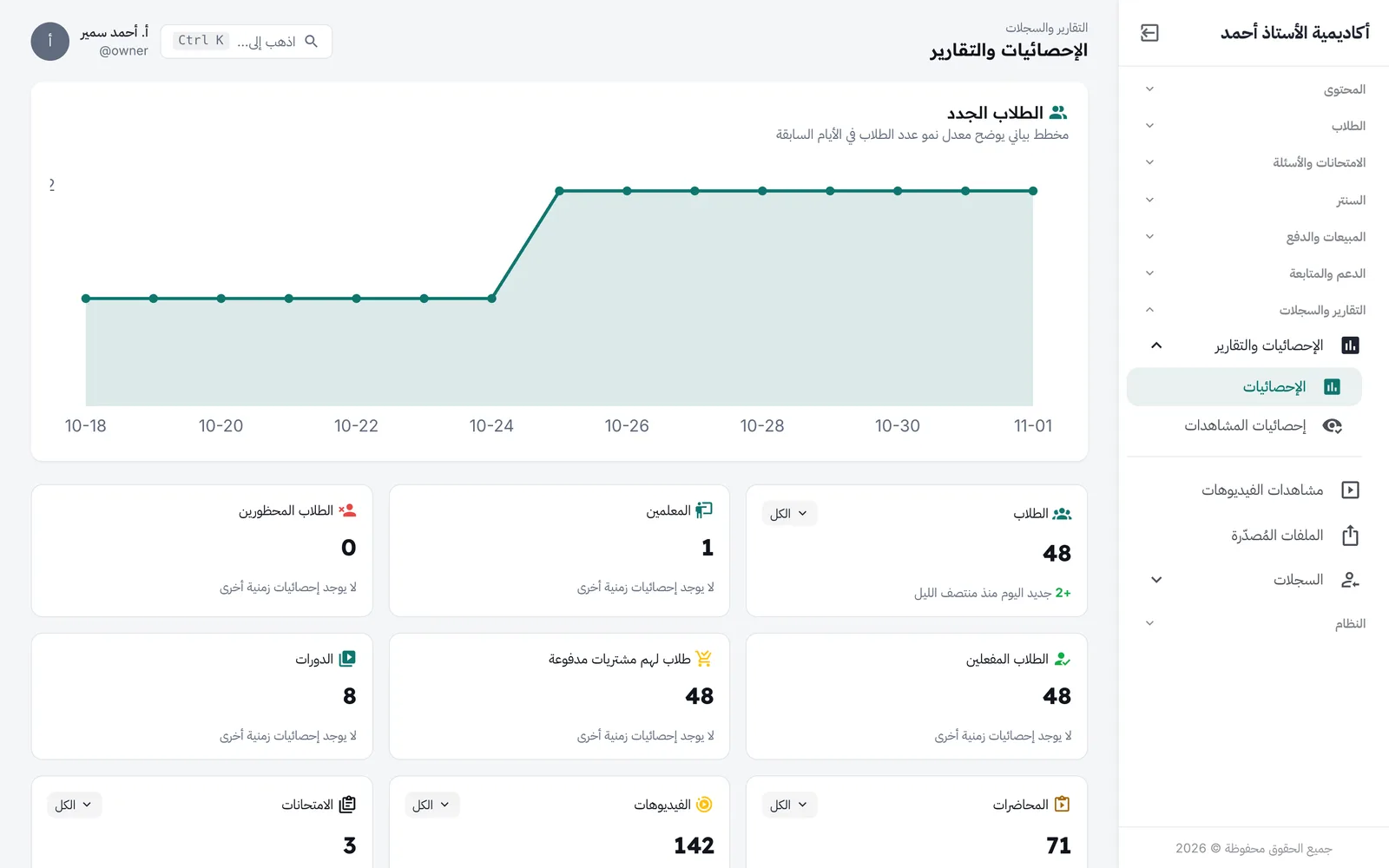
The follow-up team report: who did what
See how many calls each person on your team made, how many students they reached, what they found, how many days they met the target and how many cases they hold. Every caller has a "my day" view of their own work.
- A daily call target you set
- Each employee’s details over a period you choose
- Each person sees and does only what you allow
Also in the follow-up system
Sharing by rules
Share cases by reason, group, grade or governorate, and the next case goes to whoever holds the fewest.
Call me later
Callers record a time to call back, a wrong number, or that nobody answered.
A message from the table
Send a ready message or your own words to the student or the parent, through the messaging service you switched on.
Each teacher on their own students
A teacher or assistant with follow-up access works only on that teacher’s courses.
The month’s numbers
Follow-up numbers by governorate and centre, for admins only.
A permission for everything
View, record, message, share out: each is its own permission, and you decide.
How do you start?
- 1
Pick your plan
Name your platform, choose its address and the plan that fits your students.
- 2
Ready in a minute
A site for your students and a dashboard for you, on your address at once, with a 15-day free trial and no card.
- 3
You launch
You add your logo, colours and content, students sign up and you start taking payments.
Pay for the students you have
Priced by active students a month only, and every plan has the same essentials.
Starter
For a teacher starting online.
- Student site and dashboard with your name and logo
- Courses, videos, exams and a question bank
- Wallet, codes and online payments to your own account
- SMS and WhatsApp messages to students and parents
Growth
For a teacher whose students grow every month.
Everything in Starter, plus:
Pro
For a teacher with thousands of students.
Everything in Growth, plus:
Custom
For the biggest teachers who want more.
- Centre groups, attendance and the door
- AI tools
- Apps, points and DRM videos
- Students and price as we agree
You pay only for active students
An active student is enrolled in one of your live courses, free or paid, and is not blocked. Students who signed up but are in no course do not count.
- A student in a course and 3 lecturesCounts as one student
- A student in a free courseCounts
- A student who signed up but is in no courseDoes not count
- Last year’s course students, once you hide or delete the courseStop counting the next month
For example: You have 3,000 students signed up, and only 800 are in your live courses. You pay for 800 students: the Growth plan (up to 1,000).
Every plan includes isolation of your data and platform updates.
Top up your platform balance months ahead, and the subscription and plugins are paid from it automatically when due.
Common questions
Does follow-up work for online students or centre students?
Both. The follow-up table and scientific follow-up are for your online courses, with a filter for centre students. Centre absence follow-up is part of the centre system, in the Custom plan.
Who makes the calls?
Your team. The system shares out the cases and records each call’s result, and the call itself is made from the caller’s phone.
How do messages arrive?
By WhatsApp or SMS, depending on the messaging service you switched on for your platform.
How do I start with the follow-up system?
Book a demo, and we switch the system on for your platform and show you every part.
Keep every student in sight
Book a demo and we will show you the follow-up table, scientific follow-up and your team’s report.